Snappier
tip
This is the app we recommend overall to use on Apple Devices for the best experience possible.
Step-by-Step Setup
Step 1:
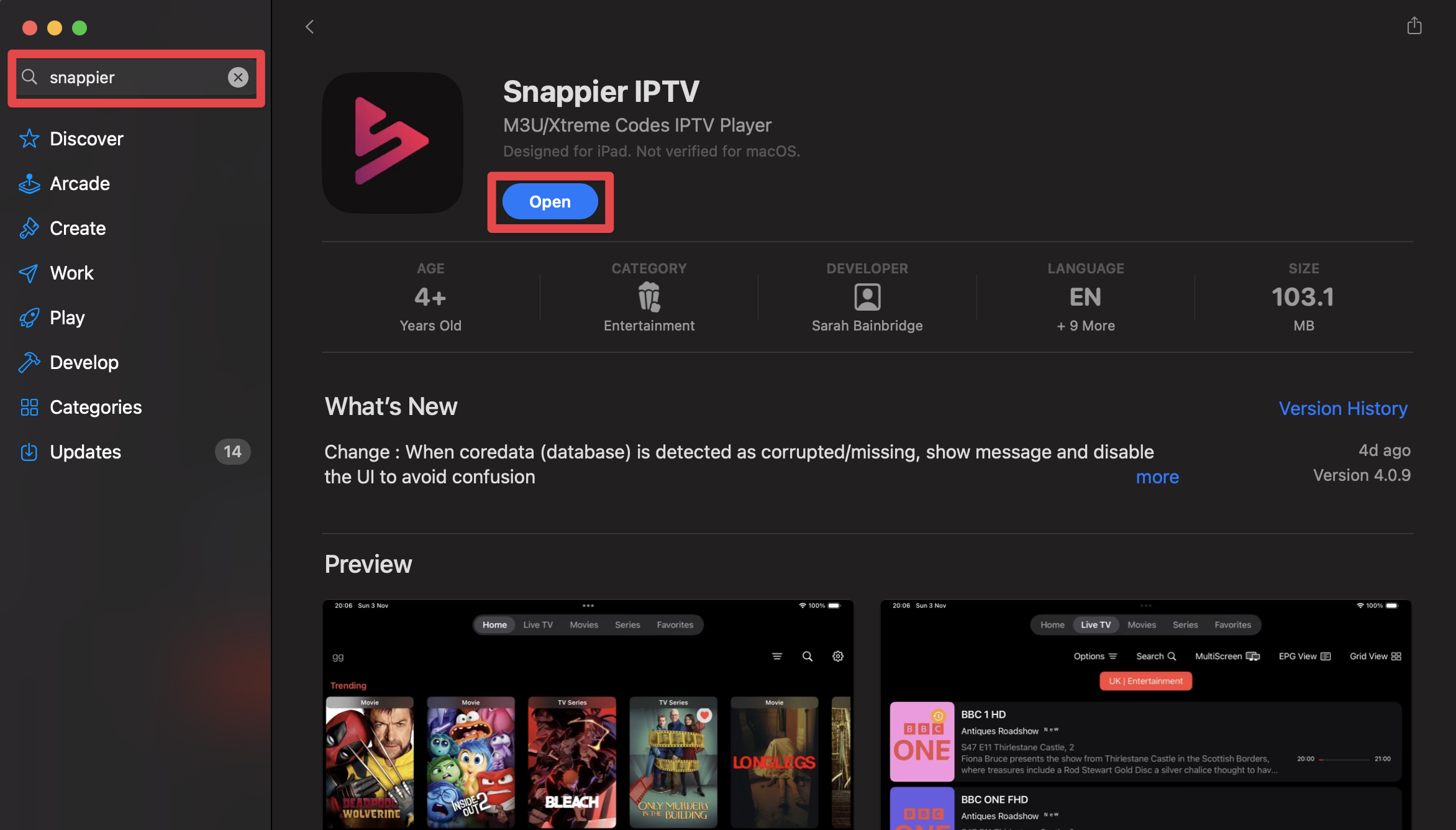
Go to the App Store on your Apple device and type in Snappier. Click download and open the app.
Step 2:
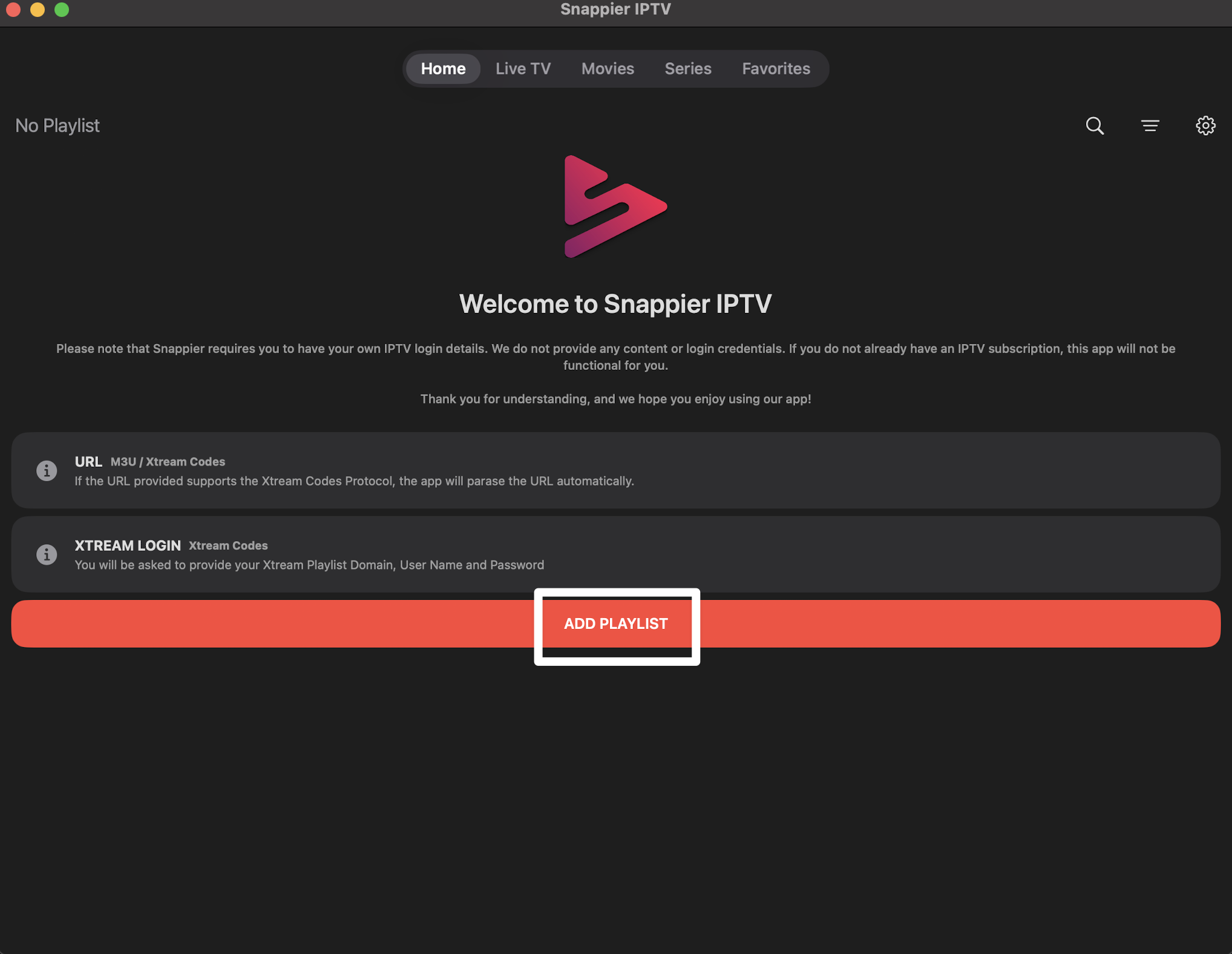
Select ADD PLAYLIST.
Step 3:
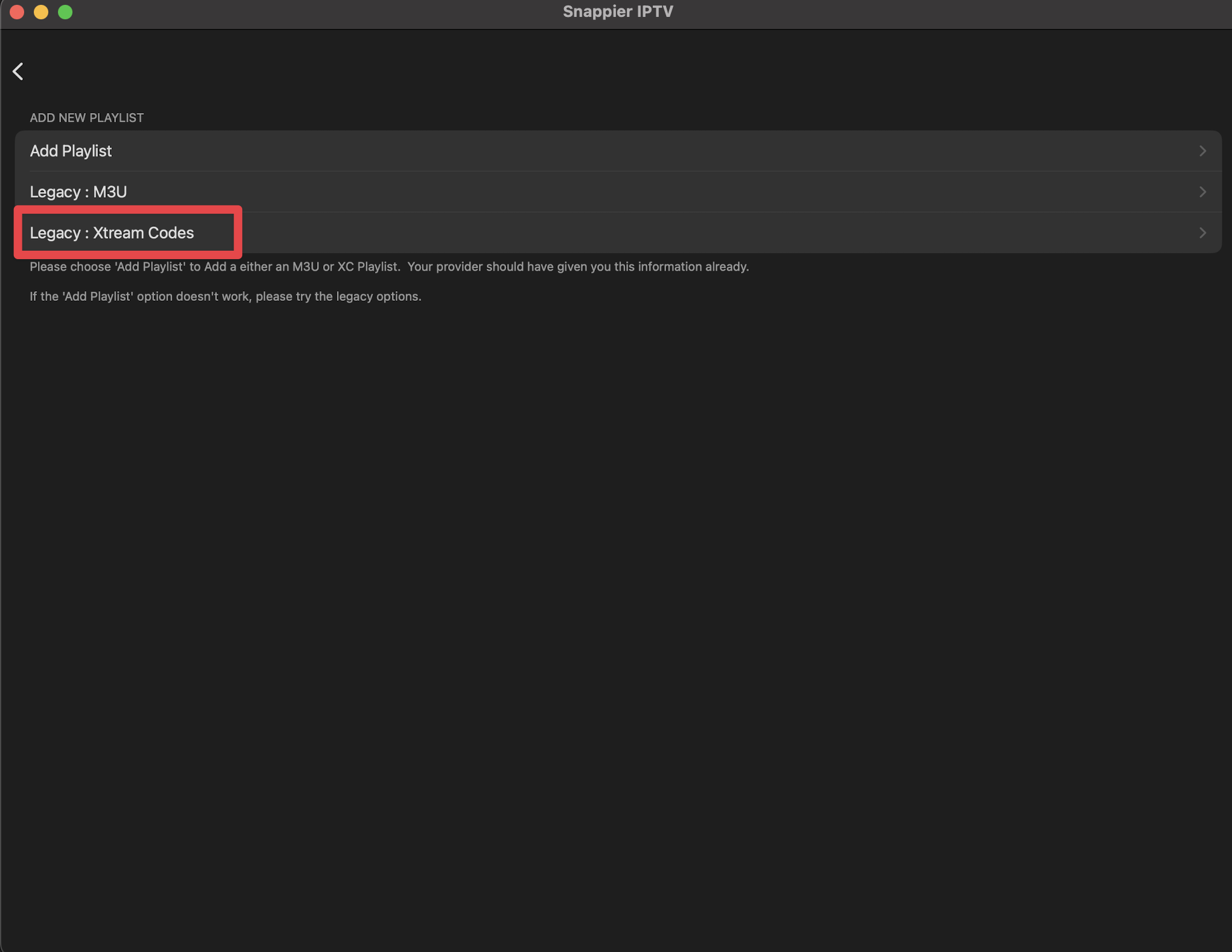
Select Legacy: Xtream Codes.
Step 4:
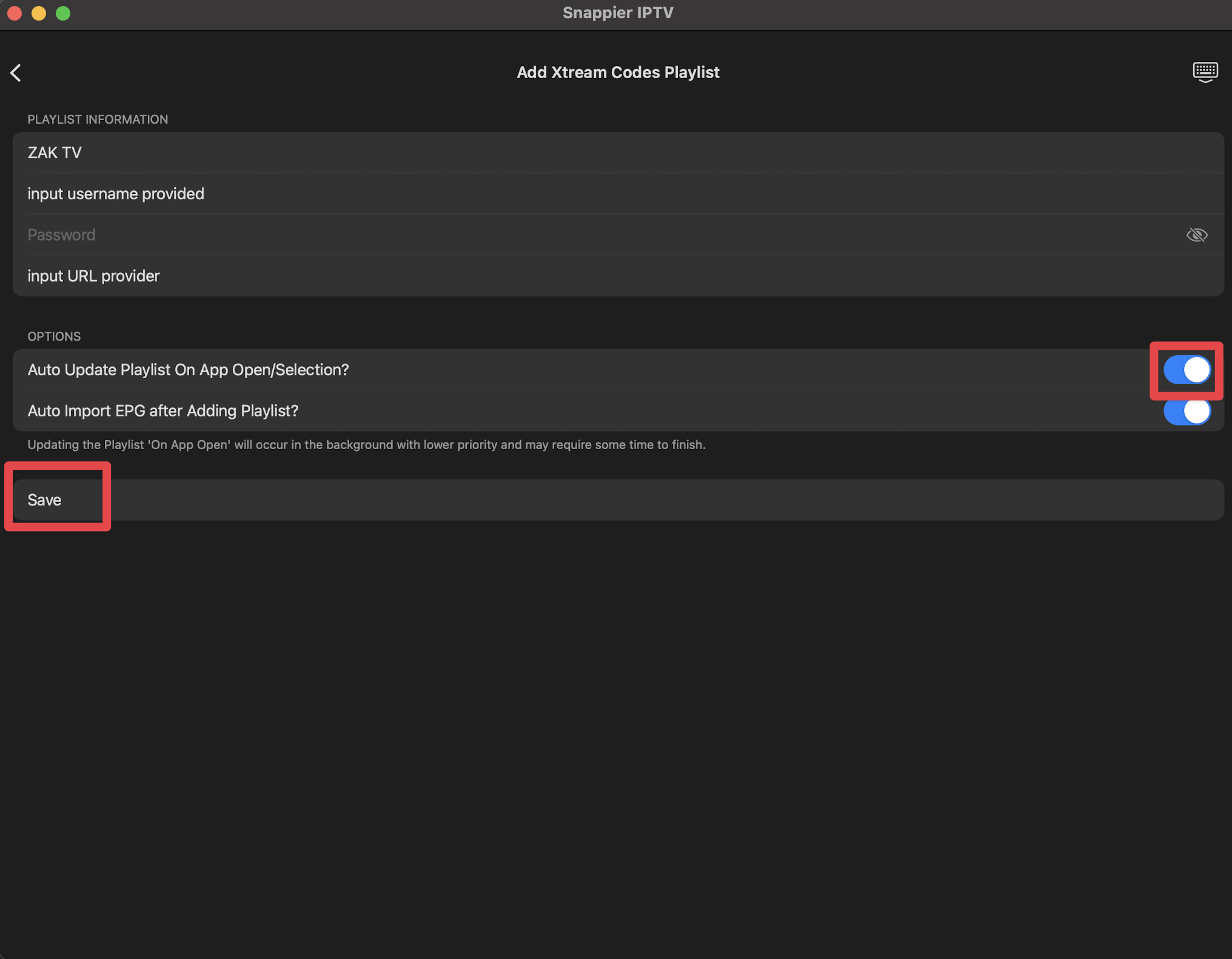
Input the login credentials provided during purchase. We recommend enabling Auto Update Playlist On App Open/Selection. Click Save.
Step 5:
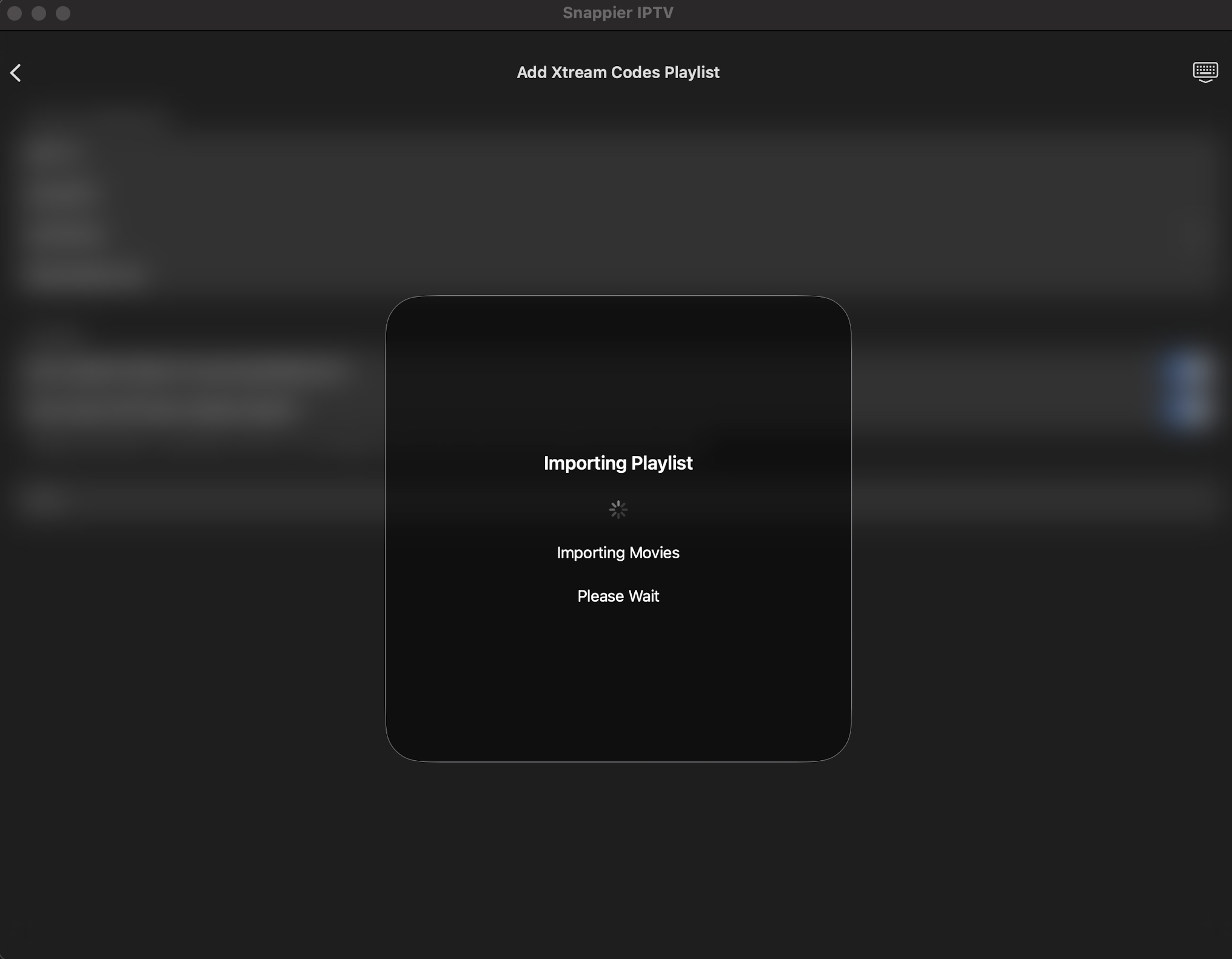
Wait for the playlist to be processed and imported.
Step 6:
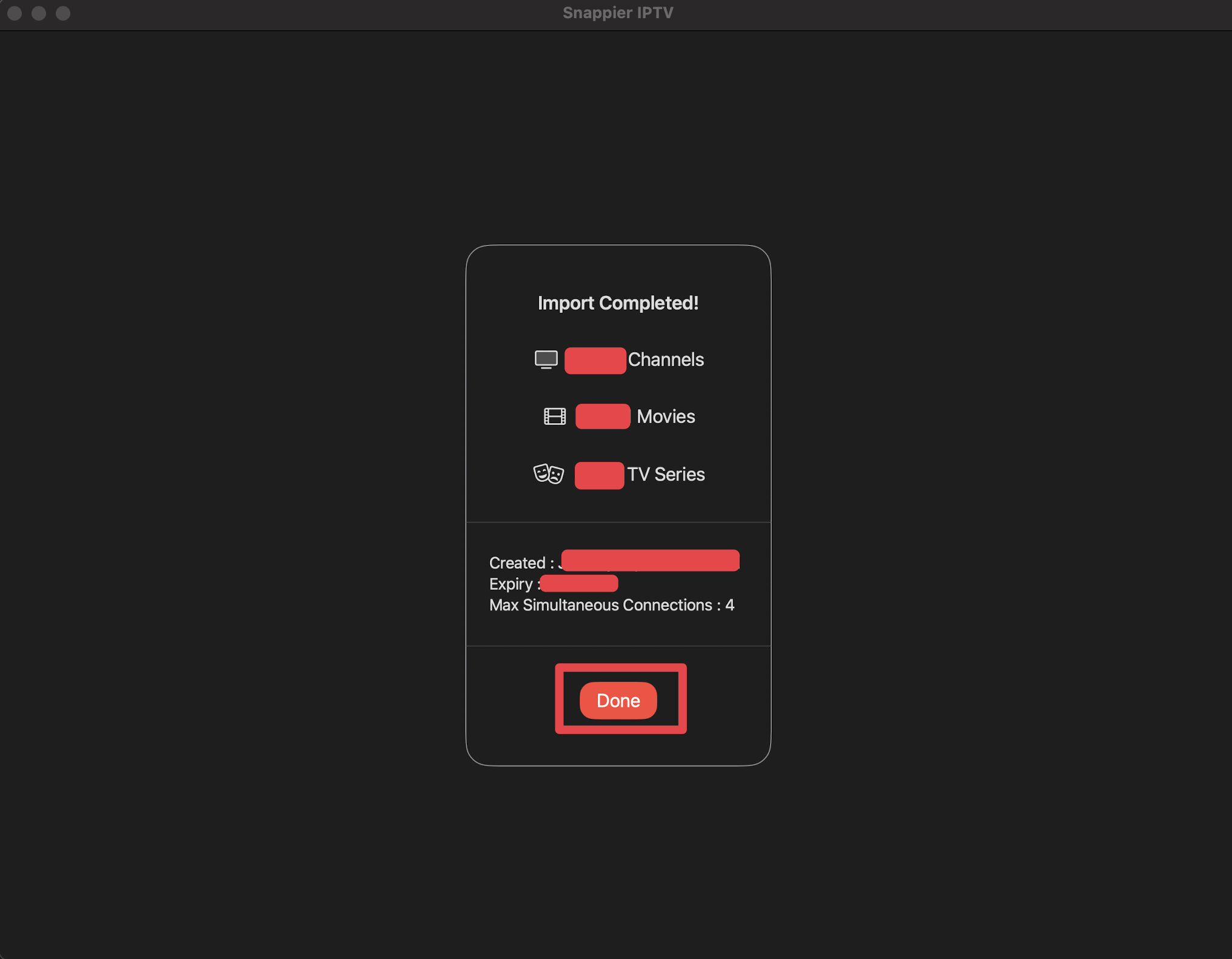
Click Done.
Step 7:
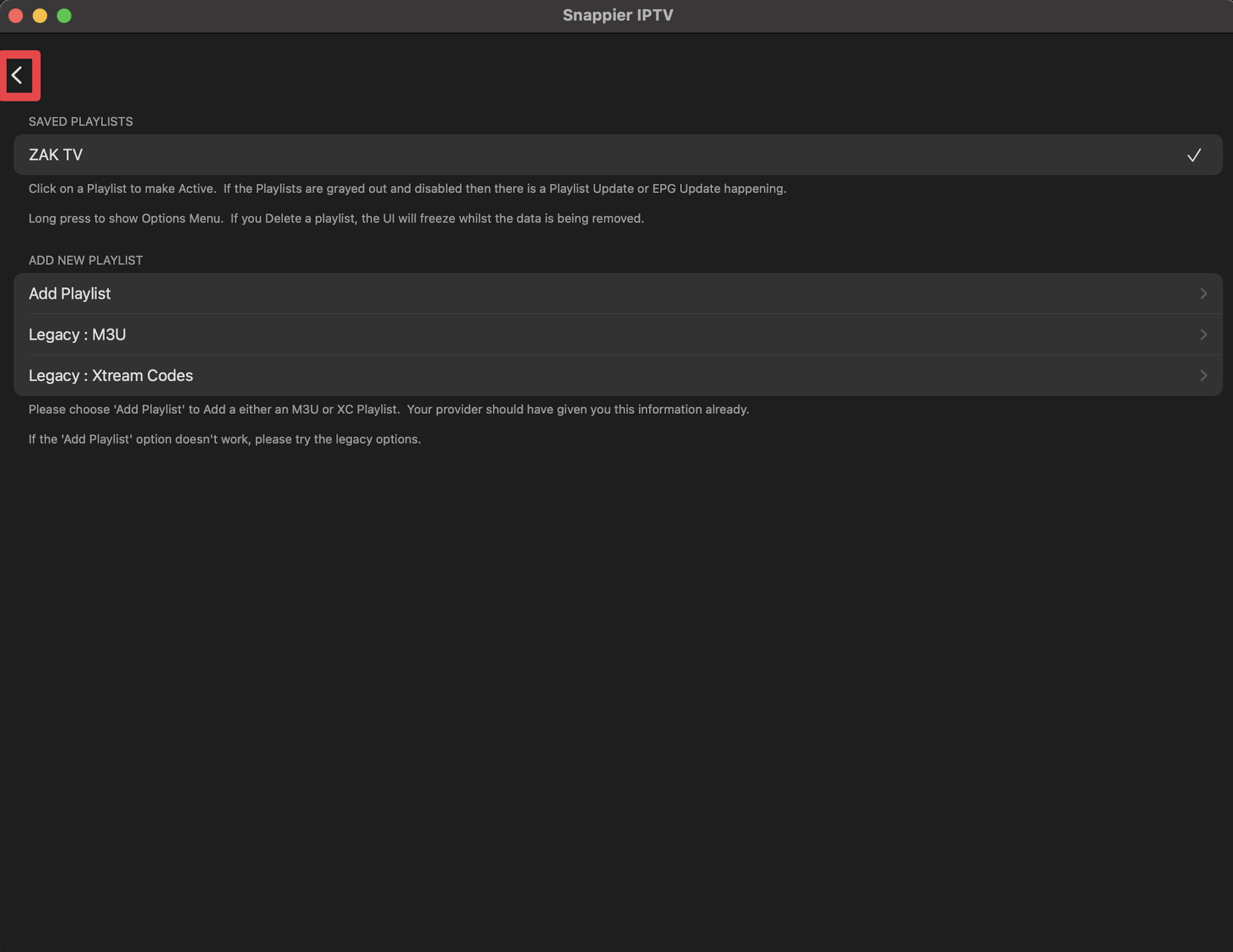
Click the back arrow.
Step 8:
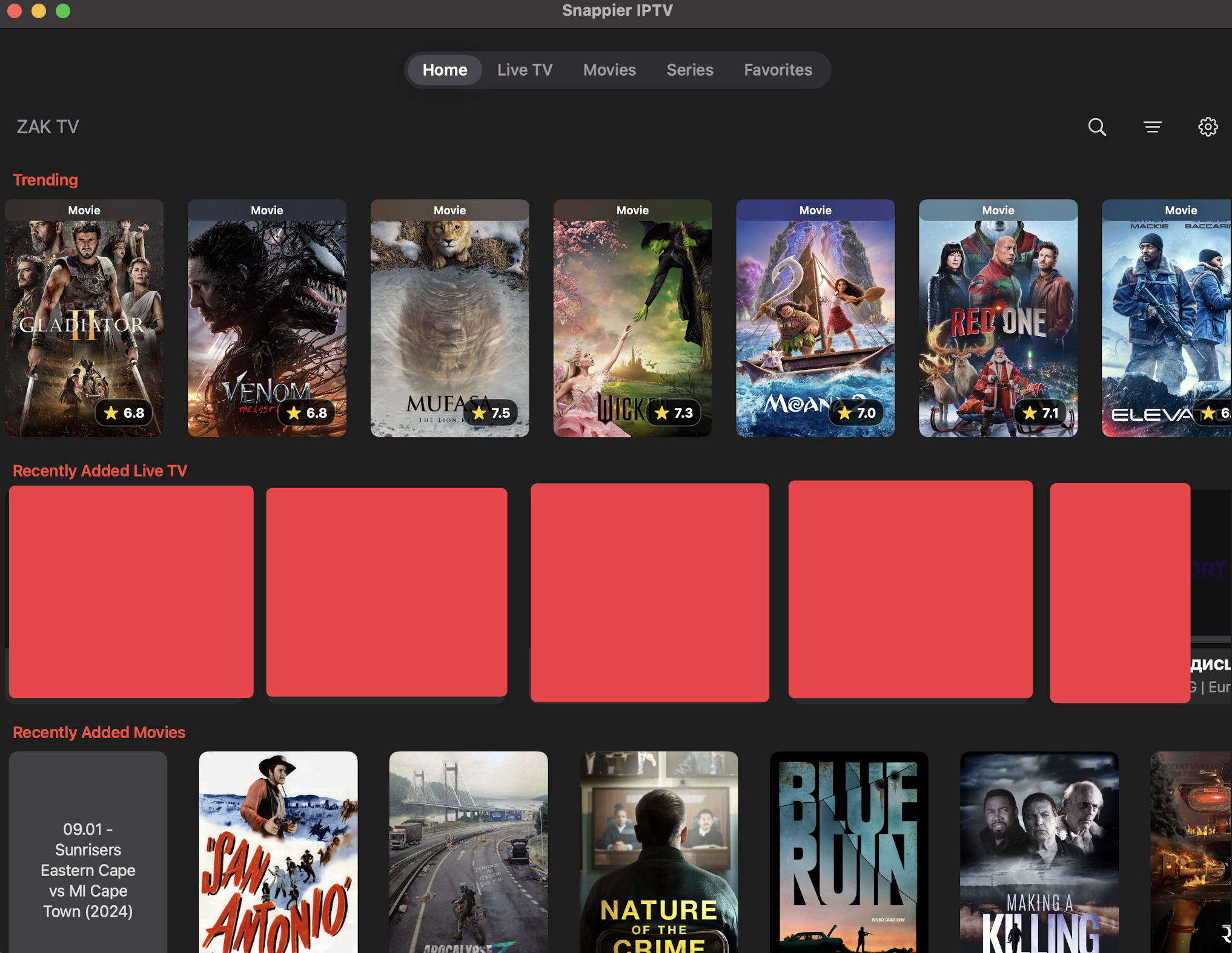
Enjoy!
Benefits of the Paid Version
- Stream Live TV, Movies, and Series with external players (VLC and Infuse when possible).
- No watermark when using the catchup feature.